



Joker8 App
Every new player who joins the Joker8 app immediately gains access to a new gaming experience on the go. This is made possible by unique features such as fast request processing. Seamless transitions between sections ensure a fully immersive experience without the distraction of long loading times.
Thanks to the full port of features from the web version, you can enjoy the complete game catalog, top up your account, and much more. Installation does not require interaction with app stores or third-party sources and is available from the Joker8 official website for iOS and Android devices, as well as for computers.



Joker8 App for Your iOS Device
To access Joker8 Casino on your iPad or iPhone, you don’t need to go through the App Store, which eliminates unnecessary ads and installation delays. Thanks to PWA technology, the download takes just a moment, even if you have a slow internet connection. This lets you dive right into the game.
You’ll also immediately notice that all elements have been carefully optimized for touchscreens, and games and their controls have also been improved. To install the Joker8 app on your iOS device, simply follow these instructions:
- Open our official website in any browser of your choice
- Find and tap the “Share” button
- Next, choose a name for the app and press the “Add to Home Screen” button
- Wait for the icon to appear on your gadget screen
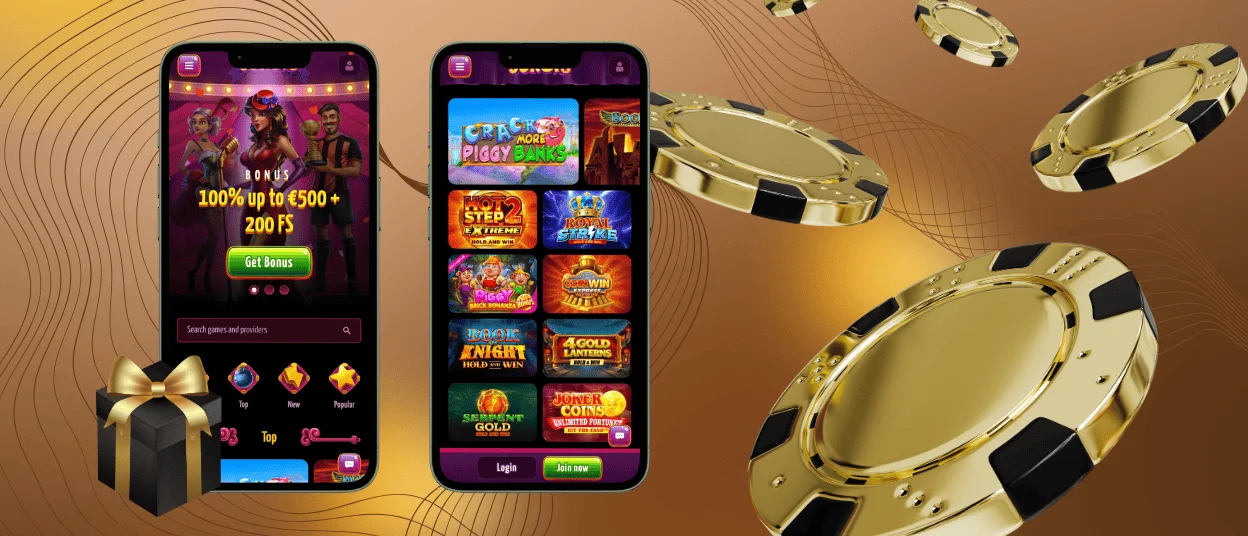
Joker8 Casino Application for Your Android Device
When it comes to the Joker8 Casino application on Android devices, there’s also no need to visit the Play Store or even third-party sources offering APK files. By following the steps below, you can start playing quickly and without putting personal information at risk, since installing applications from unknown websites often leaves your data vulnerable to scammers. Additionally, thanks to PWA, the application consumes less of your device’s battery, allowing you to play longer without worrying about running out of power.
You can install the Joker8 app simply by finding the menu button in the browser. When you tap it, you can either choose a name or leave everything as is and confirm by clicking the “Add to Home Screen” button. Once the icon appears on your device’s screen and you’ve completed quick authorization, you can immediately access all the features available on the platform. And autofill will make subsequent logins take only seconds.
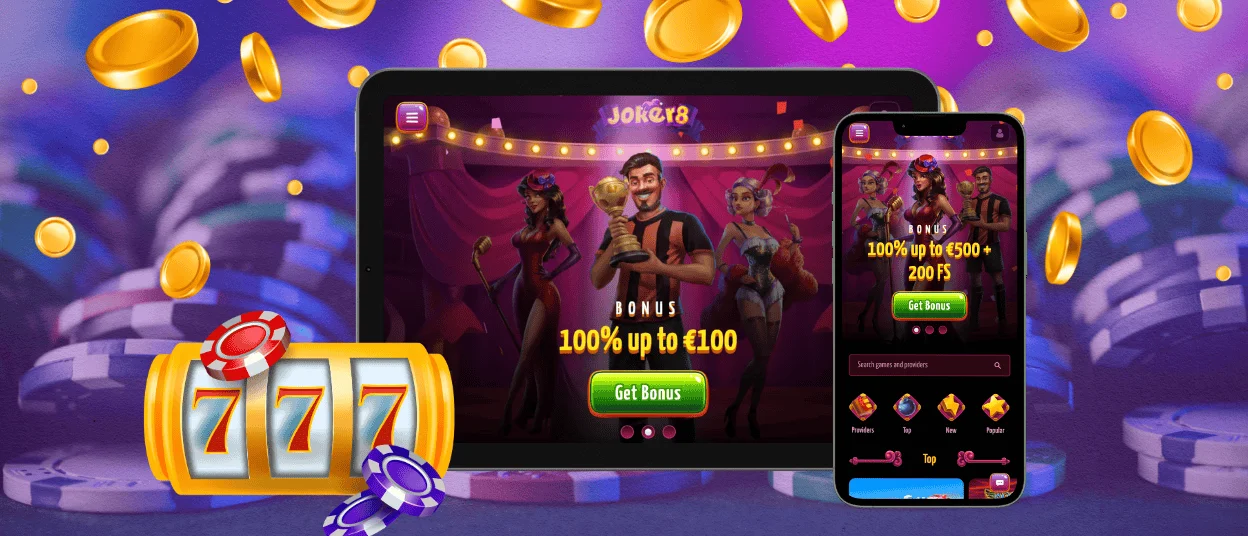
Joker8 App for Windows and macOS
For personal computers, our Joker8 Casino application also offers a variety of unique benefits that significantly enhance the gameplay and features that are hard to imagine on desktop devices. For example, thanks to direct push notifications, alerts about new promotions and bonuses are delivered directly to your home screen.
Native full-screen mode allows you to fully immerse yourself in features such as the detailed design of online slots from leading providers, which constantly keep players engaged with their variety and quality at Joker8 Casino.
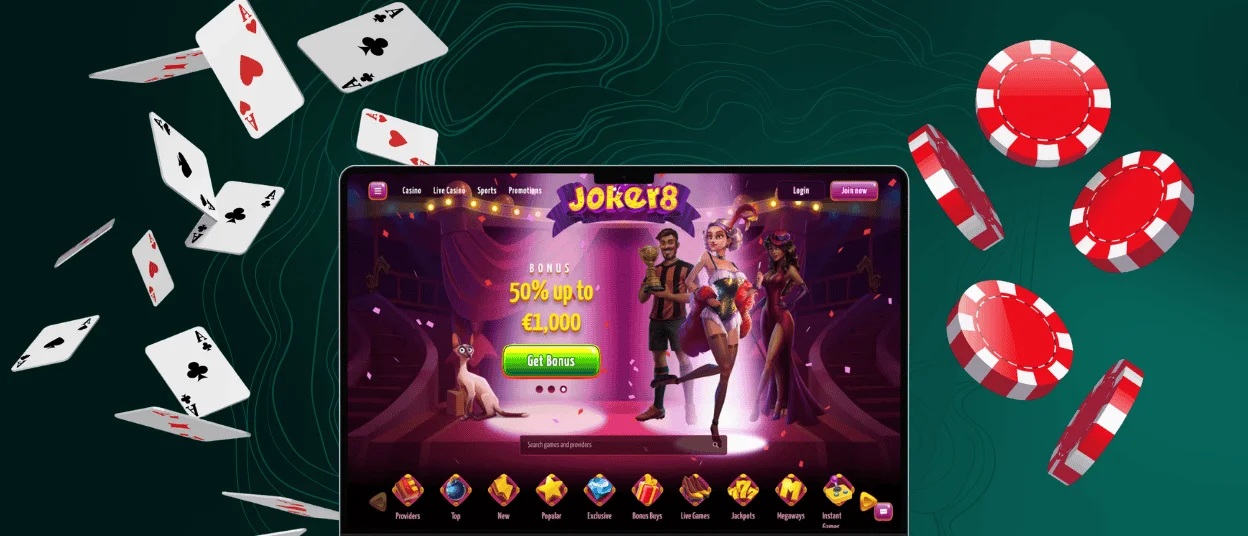
Device Compatibility
The Joker8 app runs smoothly on most modern devices, but for the best gaming experience, it’s a good idea to check the system requirements. They aren’t mandatory, but if your device meets them, you can be sure there won’t be any lag. When it comes to the mobile gaming experience, games on your phones and tablets will run at an optimized resolution that doesn’t distort the image in any way. Here’s a quick overview of what you can expect across different platforms while playing Joker8:
| Device | Recommended OS Version | Key Features |
| iPhone, iPad | iOS 14+ | Tactile feedback on wins, support for split-screen multitasking |
| Android smartphones and tablets | Android 8.0+ | Adaptive icon themes, resume from lock screen with one tap |
| Windows | Windows 10+ | Multi-window support, keyboard shortcuts for easy navigation |
| macOS | macOS 11+ | Touch Bar shortcuts, Dark mode auto-sync with system settings |
With this, players can change devices without losing progress or account settings. Your session is synced automatically.
FAQ
Which deposit methods can I use in the Joker8 app?
The Joker8 Casino offers the same deposit options as the website, including bank cards, e-wallets, and cryptocurrencies. All transactions take place over a secure connection. Your money is credited almost immediately.
Is Joker8 safe to use?
Security is important at the Joker8 platform. There is no chance of getting fake versions of the application, since installation takes place only via the official website. All data is passed through an encrypted channel, and if you have any questions, the support team is available via live chat right inside the app, ready to help around the clock.
Is there a difference between your desktop and mobile casino game catalogs?
There is no difference between the web version and the Joker8 Casino software in terms of the game catalog, profile features, and other benefits. All titles retain the same level of polish, and the controls are also optimized for mobile devices.
Can I upload verification documents through the app?
You can complete the entire verification process within the Joker8 Casino mobile application. It’s even more convenient than doing it on a desktop device, since you can upload photos of your ID and proof of address directly from your device. After that, you’ll receive a response at the email address you provided during registration, and if your attempt fails for reasons unrelated to a violation of the platform’s rules, you can always try again.


